Bank connection
The bank connection is optional. It saves you from entering unplanned items by hand: you see your latest transactions and decide which ones count in your budget.
How it works
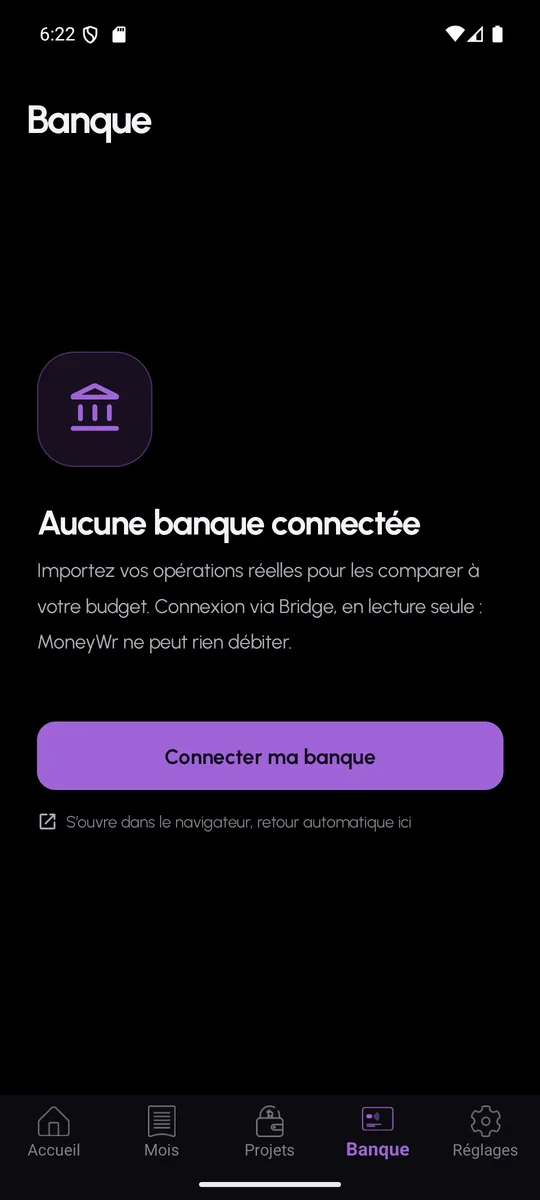
The “Connect my bank” button opens the secure flow of Bridge, a French account aggregation provider authorised for the account information service. You sign in with your bank inside that flow: MoneyWr neither sees nor keeps your bank credentials.
MoneyWr then receives balances and transactions, read-only. No transfer and no payment can be initiated from the app.
Sort, import, ignore
New transactions appear in a “To sort” list. Each one can be imported as an unplanned expense or income for the month, or ignored if it matches a fixed cost that is already planned. A sync button fetches what is new, and disconnecting removes the link.
- Read-only: no operation is possible from MoneyWr
- Bank credentials entered with the provider, never in the app
- Transactions categorised by the AI, on request
- Demo mode to try it without a real bank
Bank connection: frequently asked questions
Does MoneyWr have access to my bank credentials?
No. You enter them in the aggregation provider’s own flow, which is authorised for that purpose. MoneyWr only receives read access to the transactions.
Is the bank connection compulsory?
No. Without a connected bank, you enter your unplanned items by hand, and everything else works in exactly the same way.